The key concept in WebLM functionality is a product. Before you add any licenses or activation codes, you should add your software product to the system. VMProtect and WebLM allow you to implement virtually any licensing model for your product. You can disable certain functions in the unregistered version, allow the program to run only until a specified date, enable or disable features depending on the purchased license type, and much more.
The Products section of the WebLM control panel displays all products added to the system.
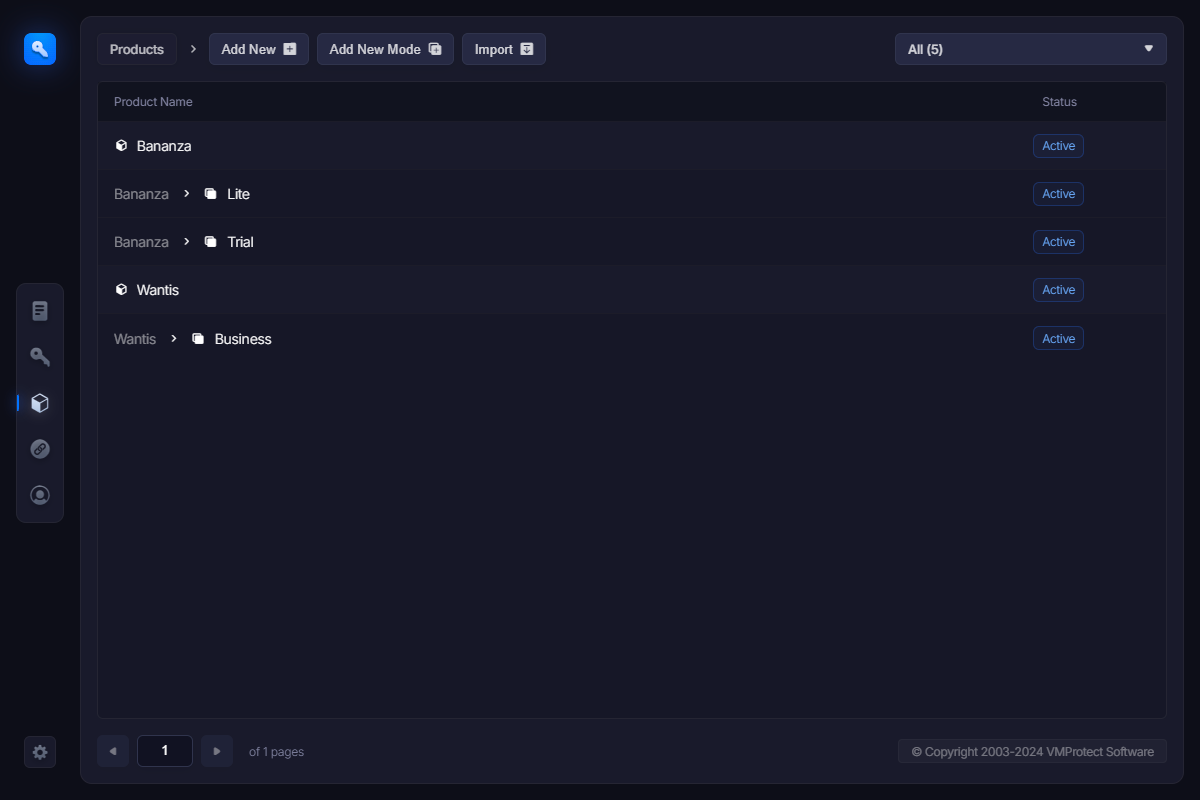
There are two types of products in WebLM: core products and product modes. Modes represent different ways the product behaves depending on a license. You can read more about product modes here.
Hovering the mouse cursor over a row opens the function menu.