To add a product, click the Add New button above, or use the Add New Product item in the Products section on the left. The following screen appears:
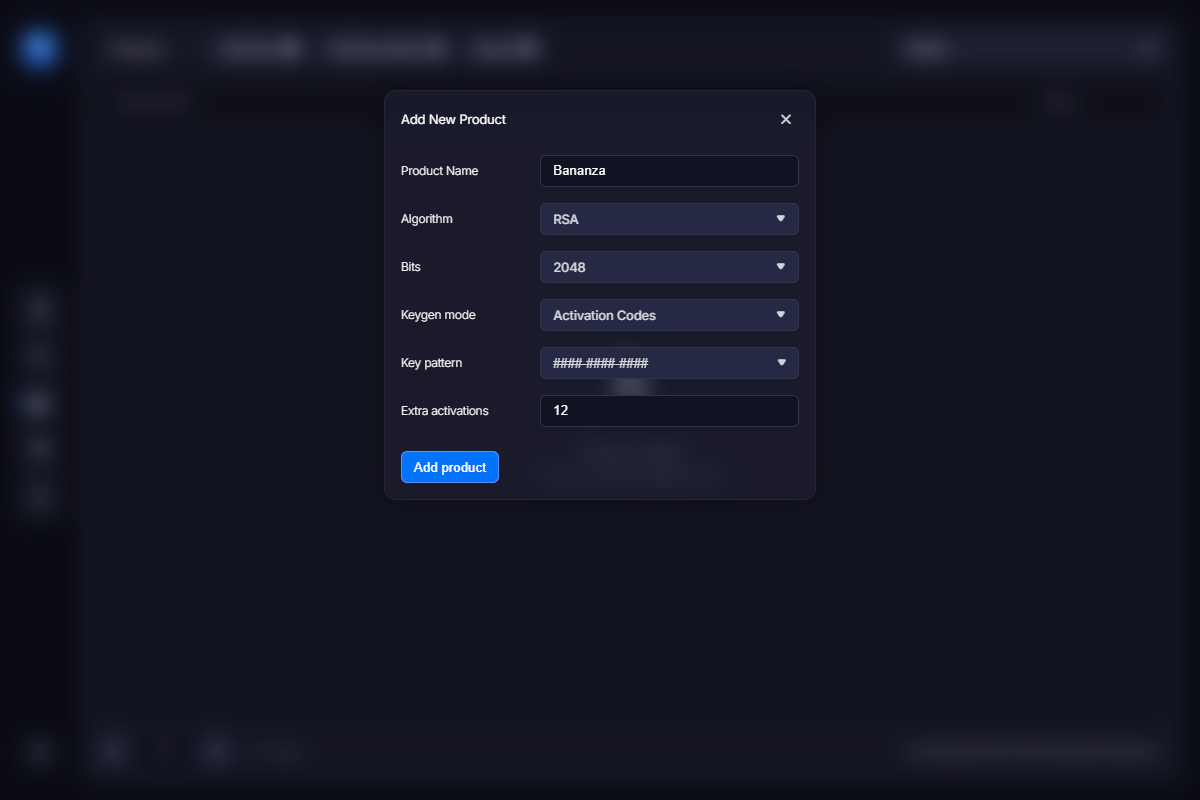
Product name – enter the title of your product.
Algorithm – defines the algorithm VMProtect will use to generate a pair of encryption keys. Currently, only RSA is supported.
Bits – determines the length of the encryption keys. The longer the key, the harder it is to crack. However, long keys take more time for the software to process. If you are unsure, use the default value.
Keygen mode – there are two options here: Serial Numbers and Activation Codes.
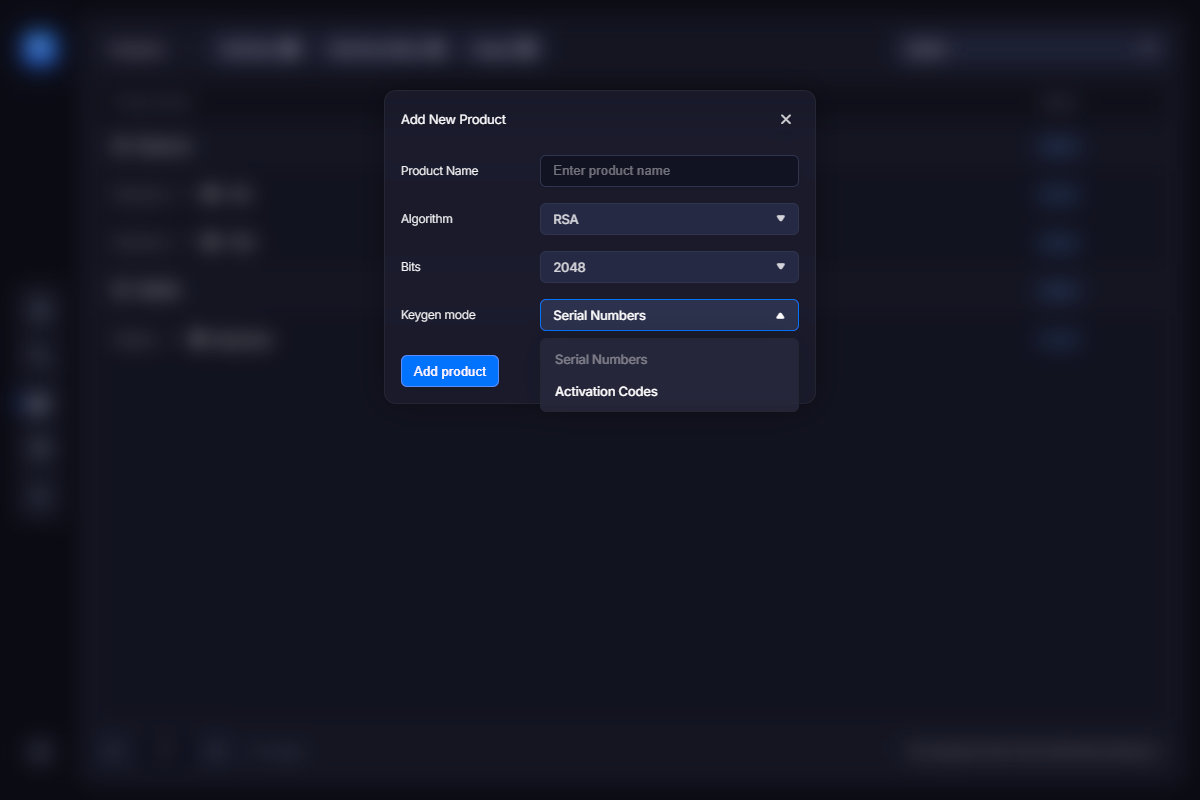
The key generator (keygen) can produce either long serial numbers or short activation codes to send to the customer. While a serial number immediately registers the application, an activation code is merely a string of symbols tied to a specific customer. The customer then uses the activation code to activate the application and receives a serial number to register it, unlocking the full functionality of the program and removing all trial limitations. This process happens automatically without requiring any additional actions from the user. So the only key the user actually deals with is a short and convenient activation code.
When Activation code mode is selected, two additional fields are shown:
Activation code pattern – defines the format of the activation code.
Extra activations – normally, each license can be activated once per purchased copy. You can allow additional activations for each copy of the application by increasing this value. For example, if you set it to 3, each purchased copy of the program will allow 4 activations in total.