You can upload WebLM via FTP or through the file manager in your web hosting control panel. Create a folder where the Web License Manager will be installed. Upload the unpacked WebLM archive into that folder, then open http://<yourserver>/<directory>/install.php in your browser.
For example, if you install WebLM in the weblm folder on www.mysite.com, the URL should be: http://www.mysite.com/weblm/install.php
You should see the installation screen like this:
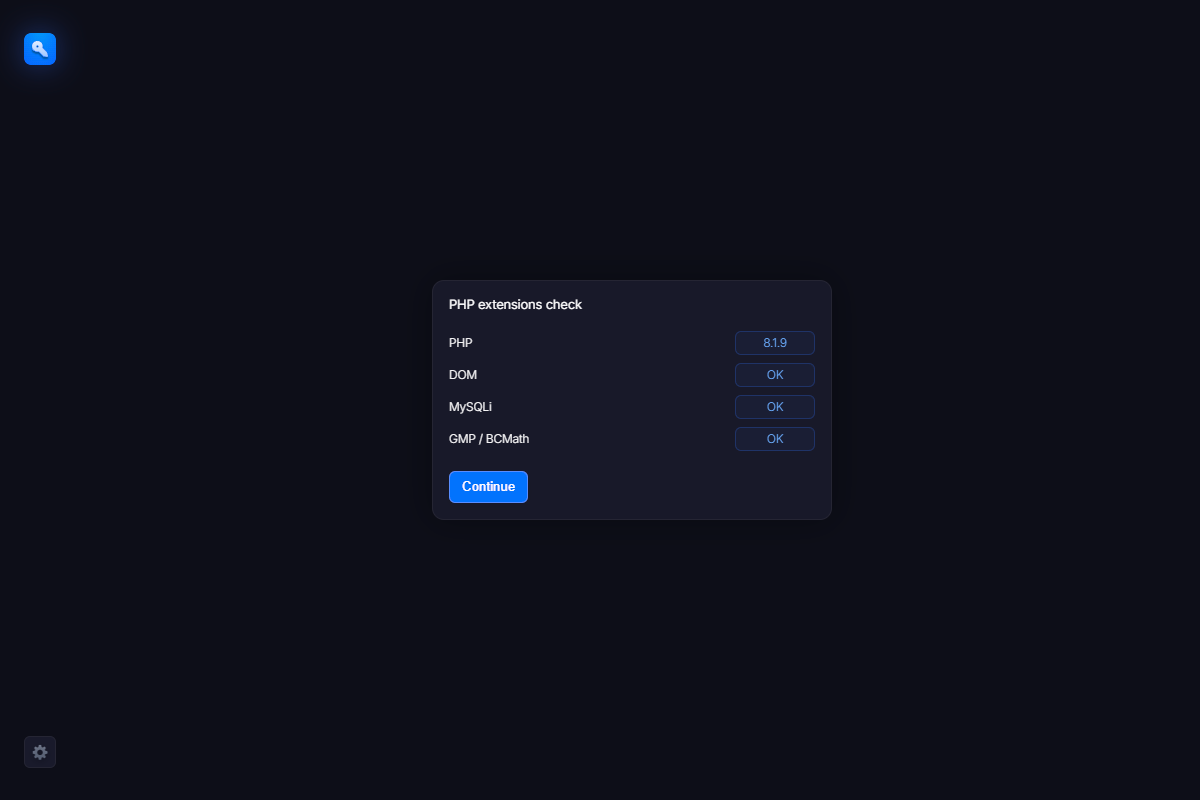
If something goes wrong, you will see an error message. This means that some required software is missing on your server. In this case, please contact us and we will try to help.
If everything is OK, simply click the “Continue” button to begin the installation.