Click the Add New button, or use the left menu to open the following dialog:
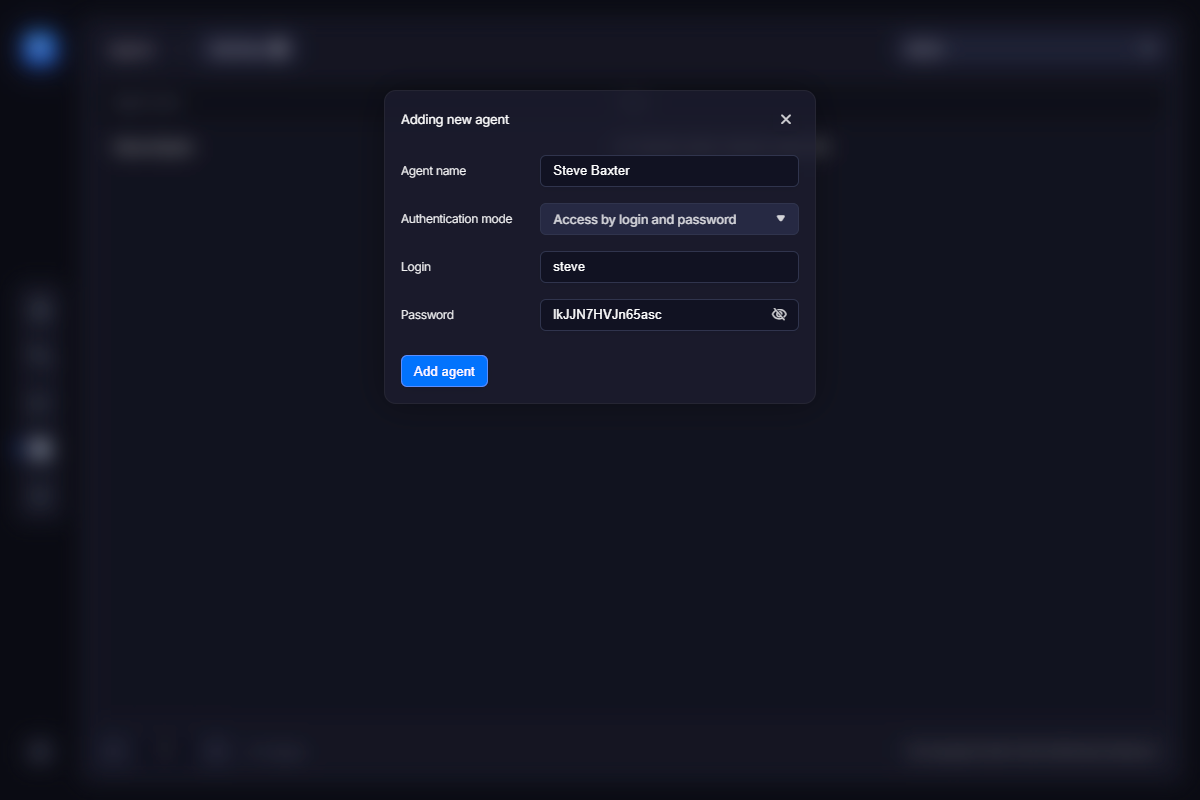
Agent name – enter the name of the e-commerce provider or agent.
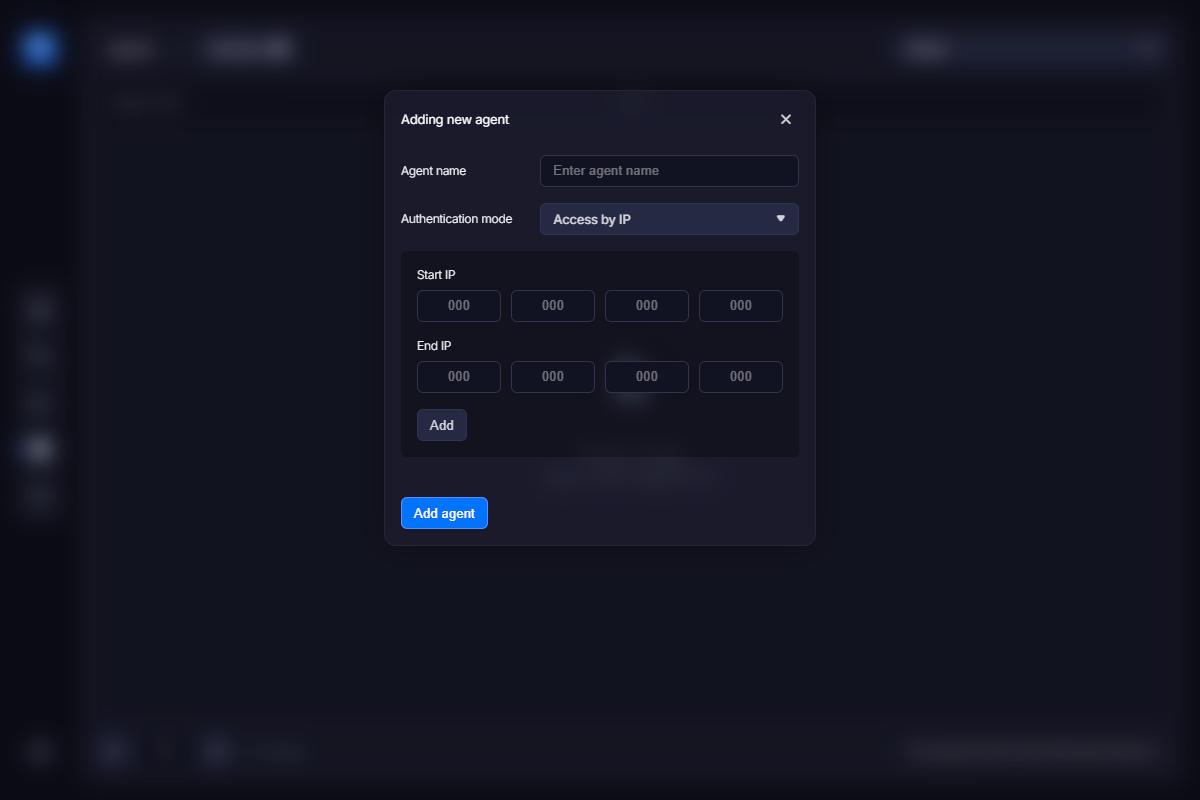
Auth mode – there are two options: by IP and by login and password.
Authentication by IP means that requests from a specific IP range are allowed, while requests to the keygen from all other IP addresses are automatically denied. You can specify one or more IP ranges using the fields below:
Authentication by login and password requires a login/password pair from any host attempting to send a request to the keygen. Access is granted only if a valid login and password are provided by the agent. Some e-commerce providers may not have a static IP address, so authentication using a login and password should be used instead. You can specify the login and password in the corresponding fields.