Now we are ready to generate a serial number. For the sake of this guide, we will do this manually. Normally, serial numbers are generated in response to a request from your e-commerce provider (agent). However, you can also generate a serial number manually if you want to give a free license to someone or provide a serial number for a product review.
Click the “Add New License” link in the left panel, and you will see the new license form. Select your product from the first drop-down list and fill in the top set of fields, as shown below:
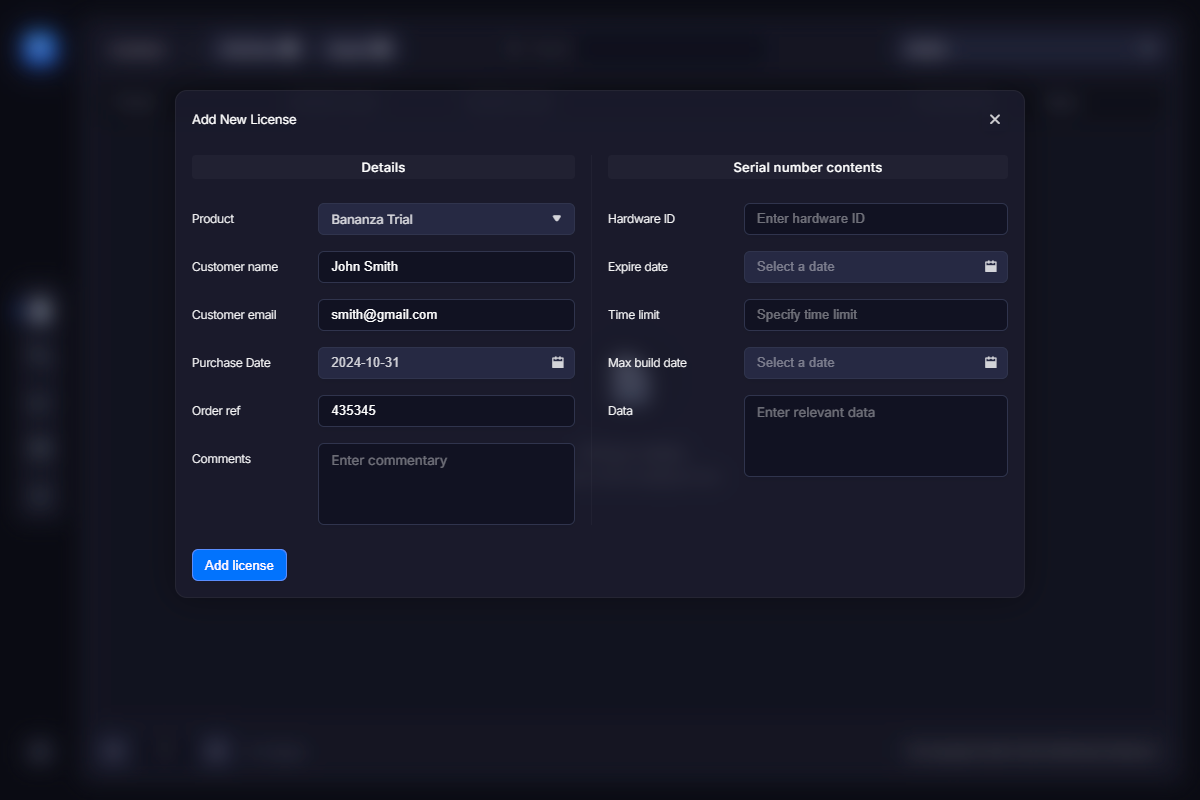
Now click the “Save” button to generate a license.