The second step is to create or import a product. A product is a set of data required to generate serial numbers. You should create a new product whenever you need a new type of serial numbers that are not compatible with existing ones. For example, if you already have a product “Word” and are about to release an advanced version “Word Pro”, you probably do not need a new product, since they may share the same set of serial numbers. However, if you are going to release “Photoshop”, it is a good idea to create a new product.
Creating a New Product
Now let’s start by creating a new product from scratch. Click the “Add New Product” link in the left panel. Enter the product name and leave all options at their default values for now:
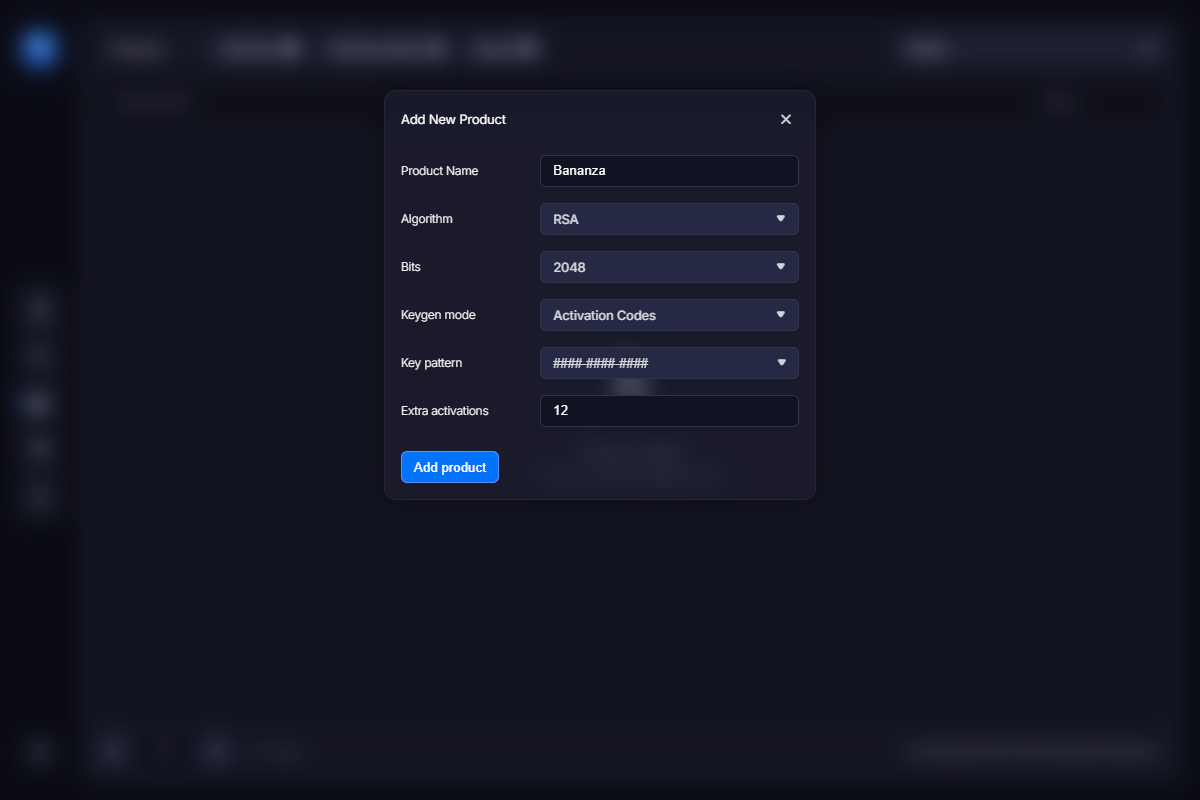
Then click the “Save” button. You should see the new product in the list. Move the mouse over the item and you will see a set of available actions. We call this a function menu. You need to export that product to use it in VMProtect. Click the “Export” link and save the VMP file in an appropriate location. You can now use it as a separate licensing data file, keeping protection data in another file. This allows you to easily synchronize online and offline versions.
Importing an Existing Product
Another way to add a product is to import an existing VMP file containing licensing data. Again, we recommend separating licensing information from protection data in VMProtect so that licensing data can be synchronized more easily. Once you have a valid VMP file with licensing data, click the “Import Project” link in the left panel.
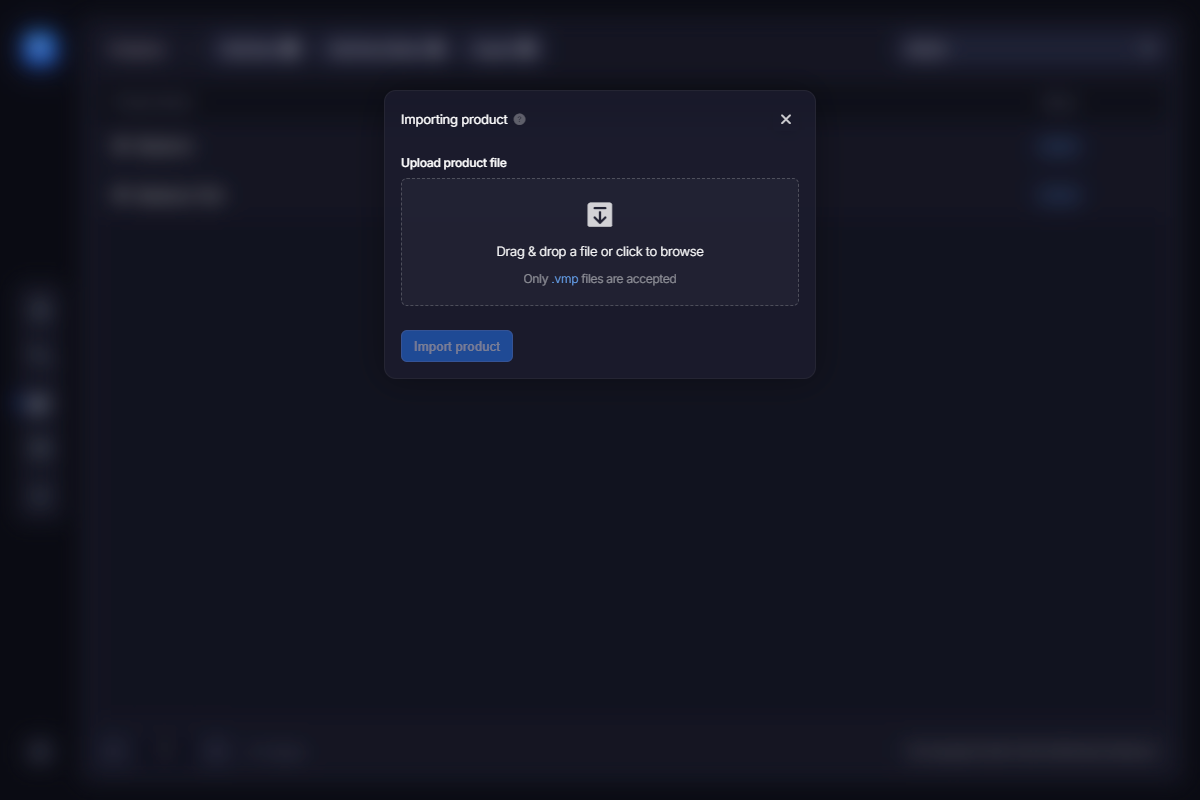
Select the project file and click the “Import” button. After confirming the operation, the product will be added to the list.
Synchronizing Online and Offline Copies
Both methods can be used to synchronize online and offline copies of your VMP file. You should keep the offline version up to date so that you can block compromised serial numbers. Typically, you export the product and replace the local VMP file just before building a new release. This ensures that all blocked serial numbers are properly enforced.
Once again, we strongly recommend separating protection data from licensing data using a dedicated VMP file for licenses. If you have modified the local VMP file for any reason, simply import it as a new product. Web License Manager will detect this and update the online version of the project.