You can import activation codes by pasting them into WebLM:
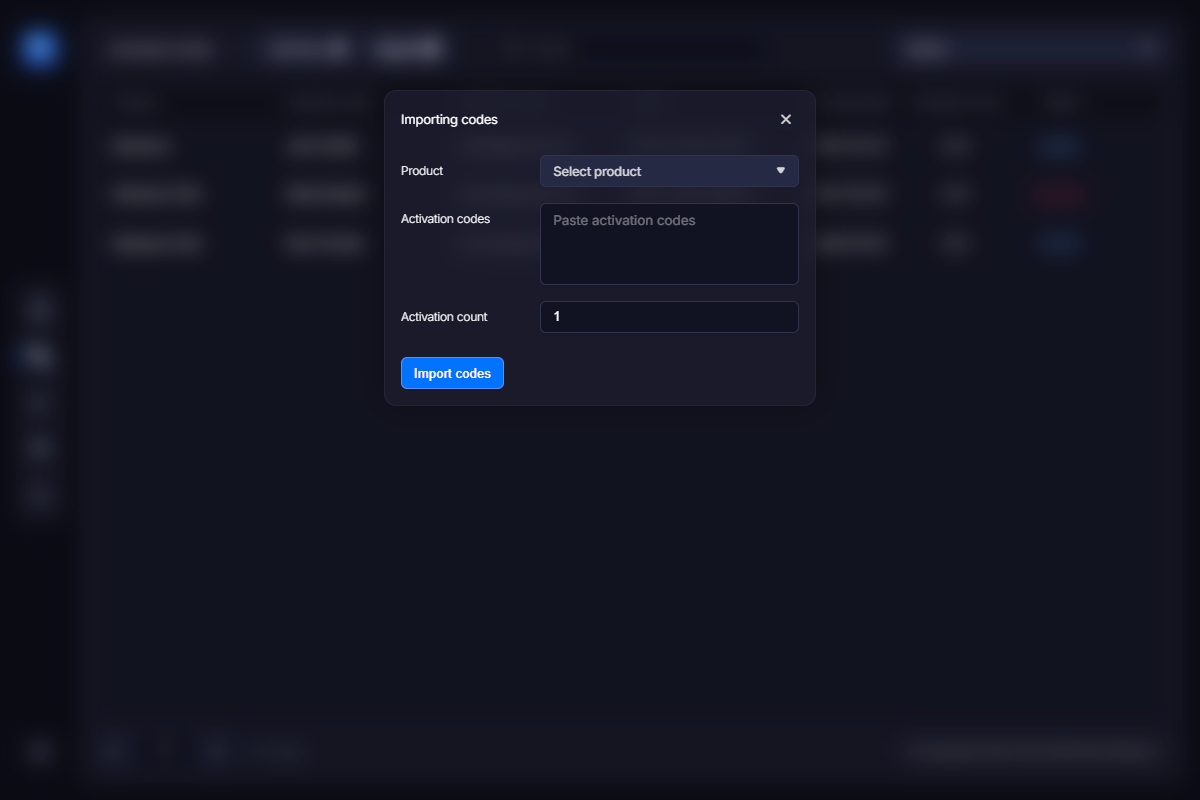
Imported activation codes are added to the list.
You may need to import activation codes if you migrate to VMProtect Web License Manager from another license management solution, or if you have old activation keys that should remain valid in the new version of your software powered by WebLM.
You can import multiple activation codes by pasting or entering them one per line. In addition, you can specify the customer name and email using the following format in the data pasted into the import dialog:
CODE1;CUSTOMER1;EMAIL1
CODE2;CUSTOMER2;EMAIL2