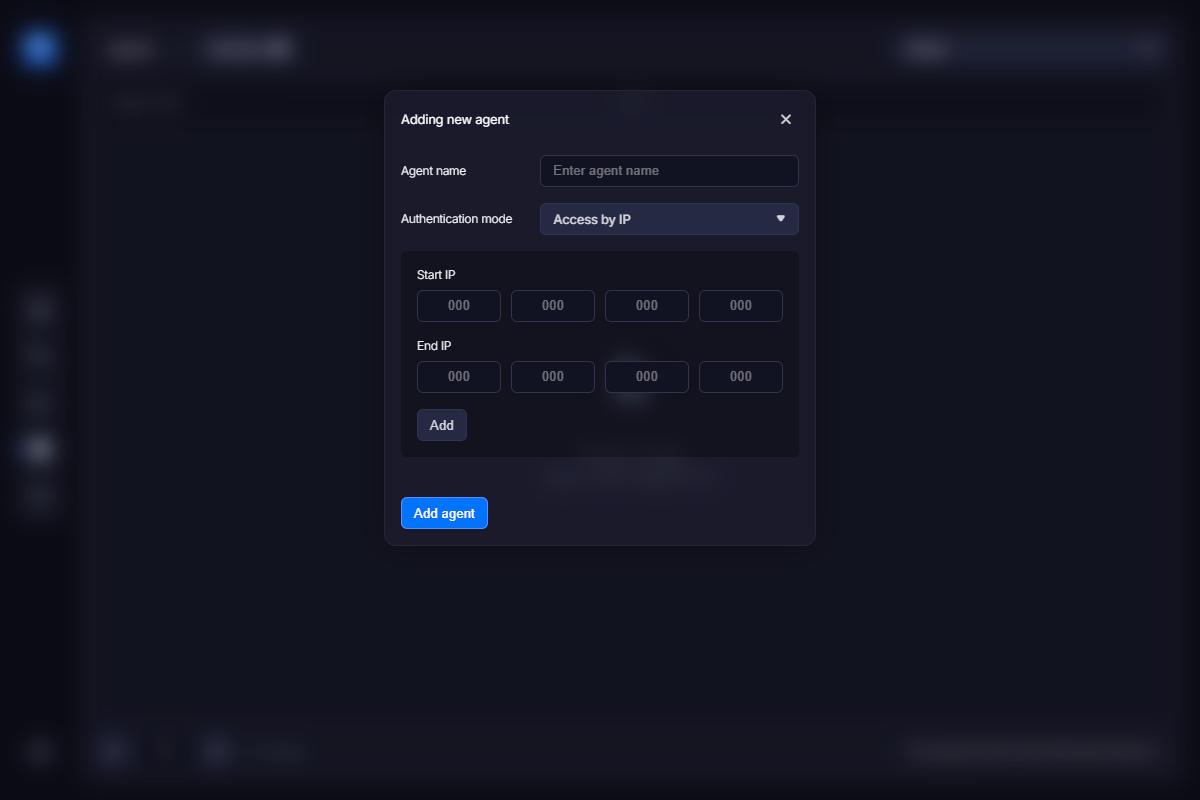
The first thing you need to do is create an entry for your agent (e-commerce provider). To do this, click the “Add New Agent” link in the left panel. A form like the one shown below will appear. Enter the name of your e-commerce provider, and then specify the IP range it uses.
This step is required for security reasons. Simply put, you do not want anyone accessing your activation server, so you should specify one or more IP ranges to allow requests only from those IPs. You can ask your e-commerce provider for this range or find it on their website. You should end up with something like this:
Alternatively, you can use authorization based on login and password. This section provides more information about that option.
Click the “Save” button when done. You should now see the new entry in the list.