The licensing system is initialized, so let’s try to compile the VMProtect project and run the protected file. After running it from the command line, we receive the following message:
C:\test>dummy_app.vmp.exe
serial number is bad
state = SERIAL_STATE_FLAG_INVALID
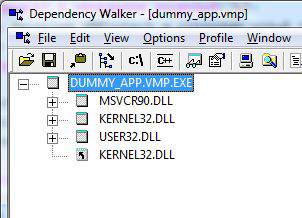
If you run depends.exe, you can see that the protected executable no longer uses VMProtectSDK.dll. This means the licensing module is already built into the program. You can also review the list of used DLLs in VMProtect in the “Details | Imports” section.
Our protected program reads a serial number from the serial.txt file. Since this file does not exist yet, the licensing module receives an empty serial number, which is interpreted as invalid. Now we switch to the “Licenses” section and generate a serial number. This procedure is described here in detail, and for now we simply create a basic serial number without any limitations.
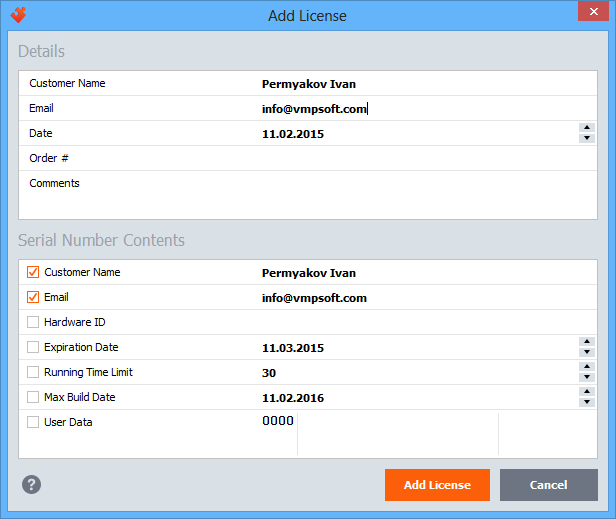
Then we copy the serial number (select the “Serial number” field in the license properties and press Ctrl+C), create a file named serial.txt in the same folder as the protected application, and paste the copied number into it. Now, if we run the application, we will see:
C:\test>dummy_app.vmp.exe
serial number is correct, calling foo()
I'm foo
done
The licensing system has checked the serial number and confirmed that it is valid.