The “Script” subsection of the “Project” section is used for writing scripts using the built-in script language:
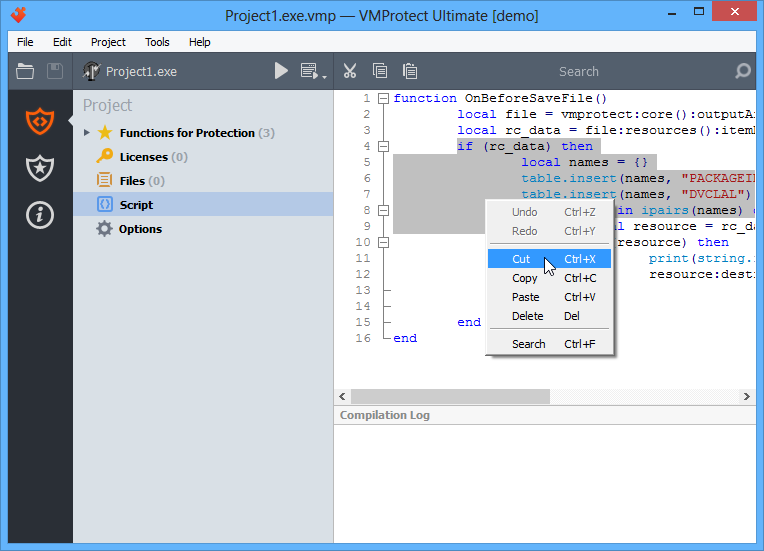
You can edit the script code in the main panel of the section. The right-click menu allows you to manipulate code fragments.
Certain code blocks (loops, functions) can be collapsed or expanded using the hierarchy control (plus or minus) next to the corresponding line number.
By right-clicking the section name, you can exclude the script from compilation. An excluded script is not executed and is not processed by the program. This parameter is saved in the project settings.