The “Files” section allows the developer to include additional data required for application operation into the protected EXE file, such as images, data files, text resources, and dynamically linked libraries. During execution of the protected EXE file, all types of data, including DLLs, are loaded directly from the process memory, bypassing writing these data to disk.
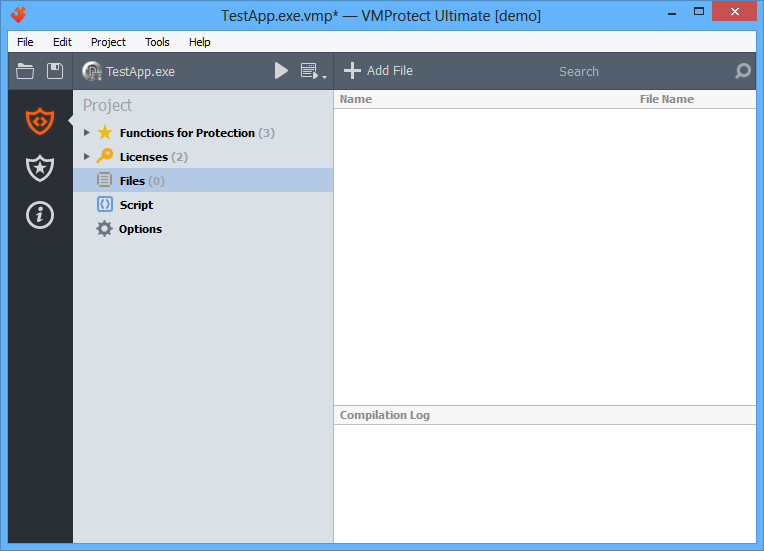
The Add File toolbar button allows you to add a new file to the project. You can also add a file using the context menu:

To adjust the properties of a selected file, select it in the left list and edit its title, file name, or other properties.
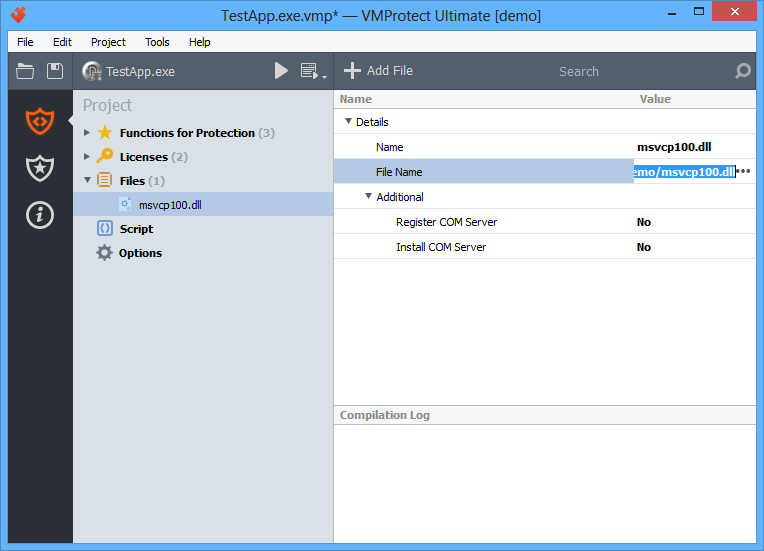
To remove a file from the list of protected objects, right-click it and choose “Delete”, or simply select it and press Del.

By right-clicking a section name, you can exclude the file from compilation. Compilation exclusions are saved in the project file.