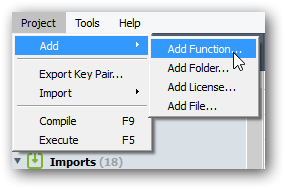
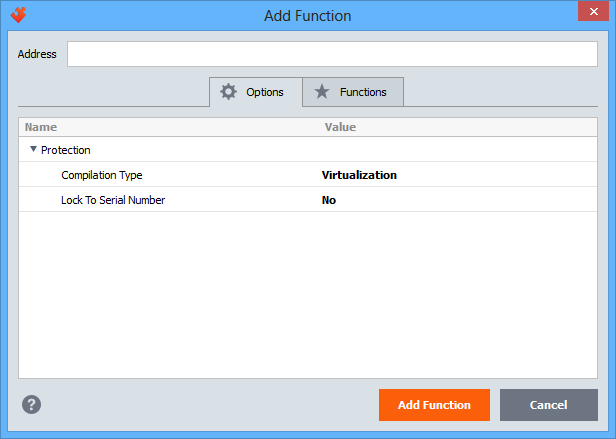
- Add function — add a new function to the list of protected objects. You can specify the exact address of a function or search for it by name:
- Add folder — add a folder to the project:
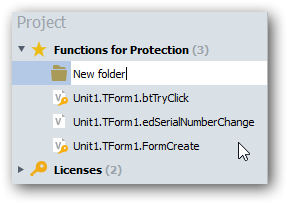
The use of folders does not affect the protection of objects inside them. Folders are used only to organize protected objects in the project tree. You can move objects into a folder using simple drag and drop;
- Add license — add a license to the project:
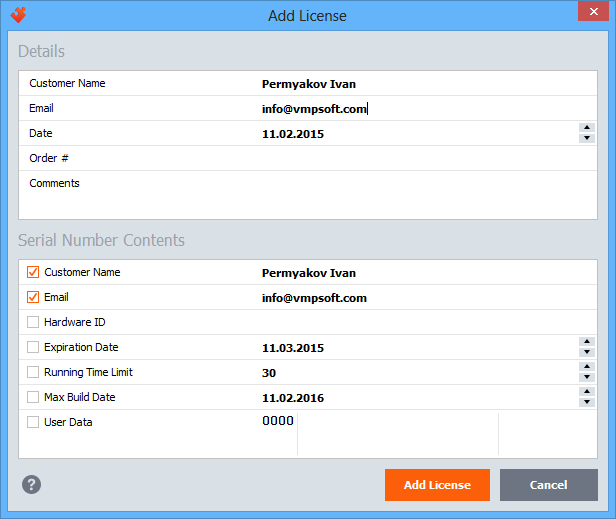
This command adds a new user license and generates a license key based on the entered user dаta: name, e-mail, date, order ID, and others. You can store this information inside the key, as well as restrict license functionality. For example, you can limit the number of executions or specify an expiration date for the key.
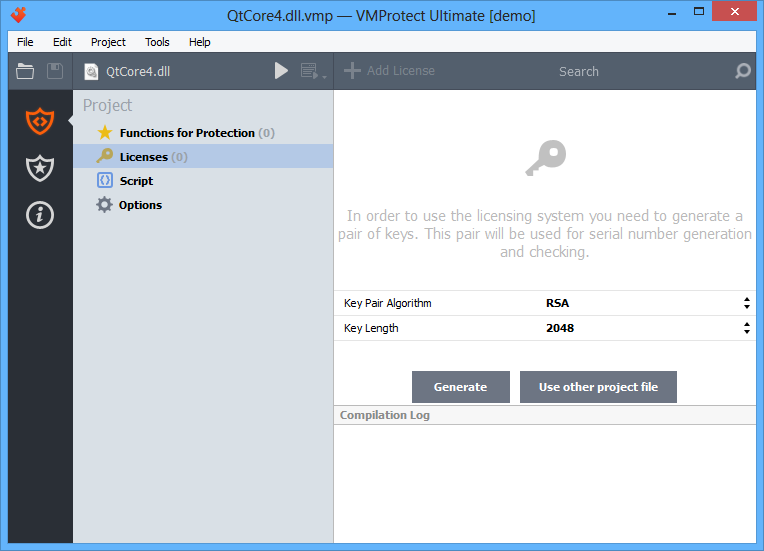
To add a license, you must first generate a pair of keys:
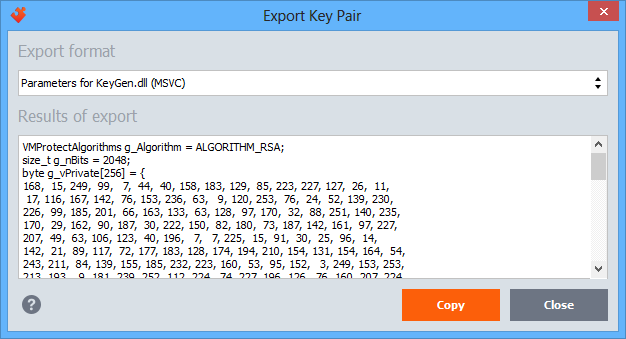
- Export Key Pair — exports project keys to the specified format of the key generator:
- Import — imports a license from a serial number or another project and adds it to the current project.
- Compile — compiles the protected application with the current protection settings. You can also start compilation using the toolbar button:
 .
. - Execute — runs the protected application. The original/protected executable can be launched using the toolbar button:
 . The drop-down arrow allows you to specify command-line parameters for execution.