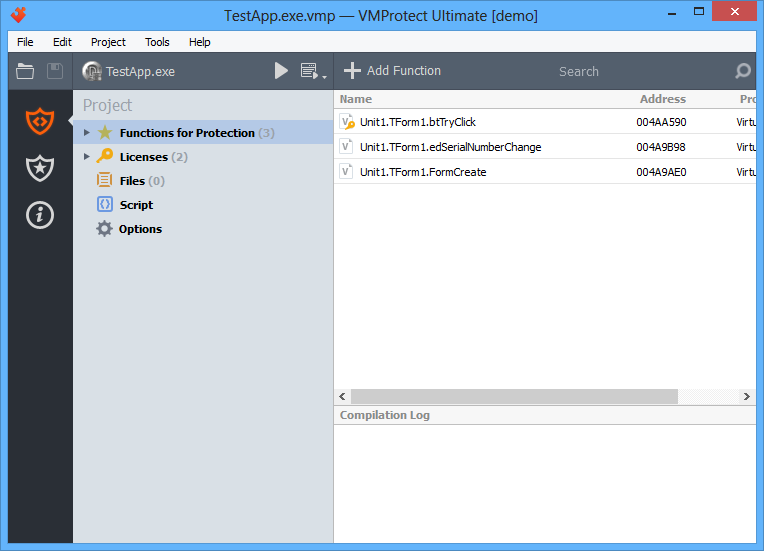
This section is used to choose which functions must be protected.
Adding a function
To add a new object to the project, click the “Add Function” button on the toolbar or select the corresponding item in the context menu:

A new function dialog will appear:
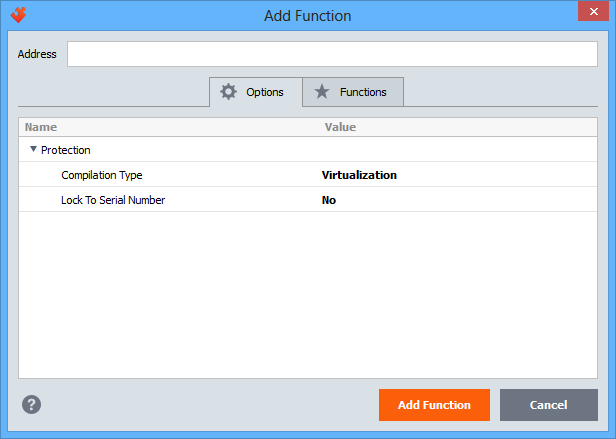
Specify the address of the function, or start typing the function name in the quick search box to select it directly from the list on the “Functions” tab. Use multi-selection if you want to add several functions at once. All selected functions will be added with the chosen protection options.
Options
- Compilation type — selects how the object is compiled. Choosing the appropriate protection method for each object (procedure, function, or code fragment) ensures an optimal balance between performance and security. VMProtect allows the following compilation types for each protected object:
- Mutation. The executable code is modified at the CPU instruction level — existing instructions are mutated, “garbage” instructions are added, and so on. This compilation type provides relatively weak protection against reverse engineering. Its main purpose is to prevent detection by automated signature scanners (PEiD + KANAL, IDA + FLIRT, etc.). It is typically used for library functions that do not require strong protection. Mutation provides a low level of protection but high execution performance.
- Virtualization. The executable code is translated into bytecode executed on a virtual machine. This compilation type should be used for critical code sections that require strong protection against analysis while maintaining acceptable performance. Virtualization provides a medium level of protection and medium execution speed.
- Ultra (mutation + virtualization). The executable code is first mutated at the instruction level and then translated into bytecode executed on a virtual machine. This mode should be used for code fragments where execution speed is not critical. Ultra protection provides a high level of security but lower performance.
- Lock to Serial Number — if this option is enabled, the protected function becomes unavailable without a valid serial number. If the check fails, the application will terminate. This allows restricting access to specific application features in the unregistered version.
Search
You can locate objects by name using the quick search box:
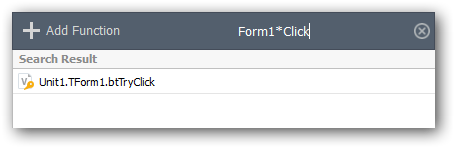
You can use the following wildcard symbols in the search box:
- * — replaces any number of characters;
- ? — replaces a single character.
Adding a folder
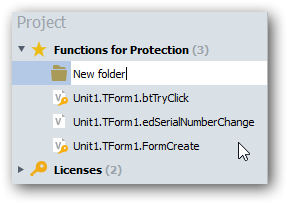
You can add a folder to the project using the context menu:
Folders are used to group protected objects and allow you to change protection parameters (such as exclusion from compilation or compilation type) for all objects in a folder at once.
Enter the name of the new folder:
Editing objects
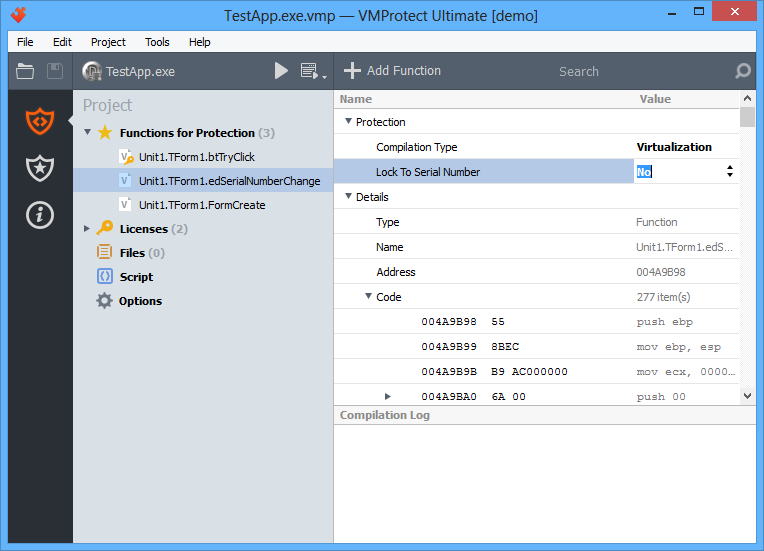
The right side of the window displays the contents of the selected object. If a protected object is selected in the project tree, the right panel shows a disassembled view of that object:
If a folder is selected in the project tree, the right panel displays the list of functions in that folder:
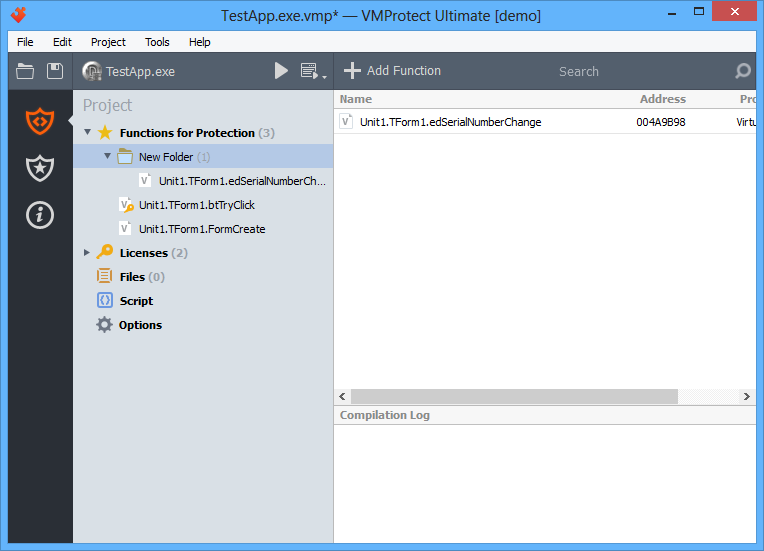
You can move functions to and from folders using simple drag and drop.