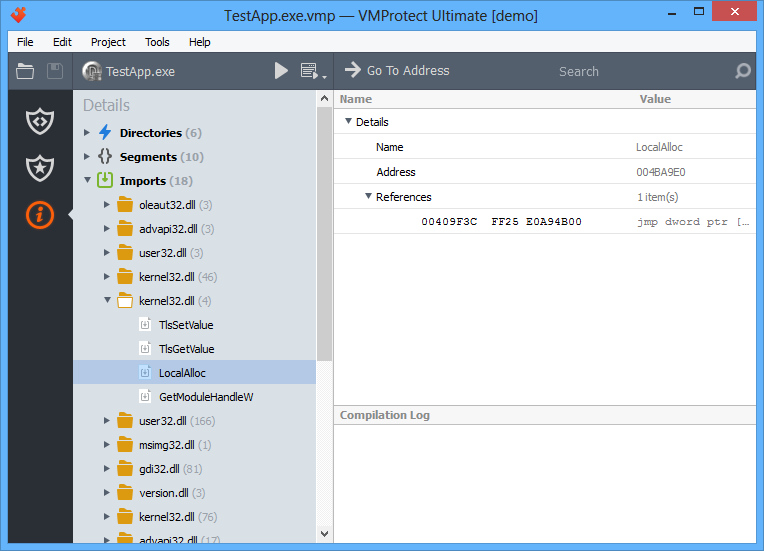
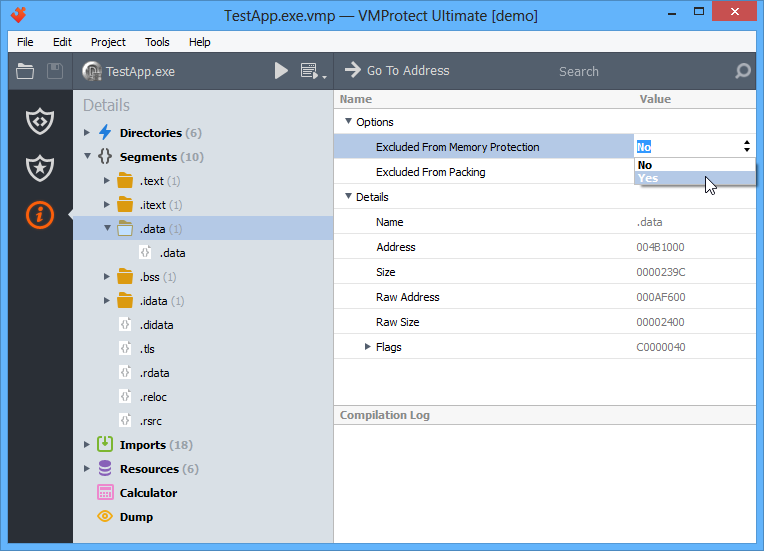
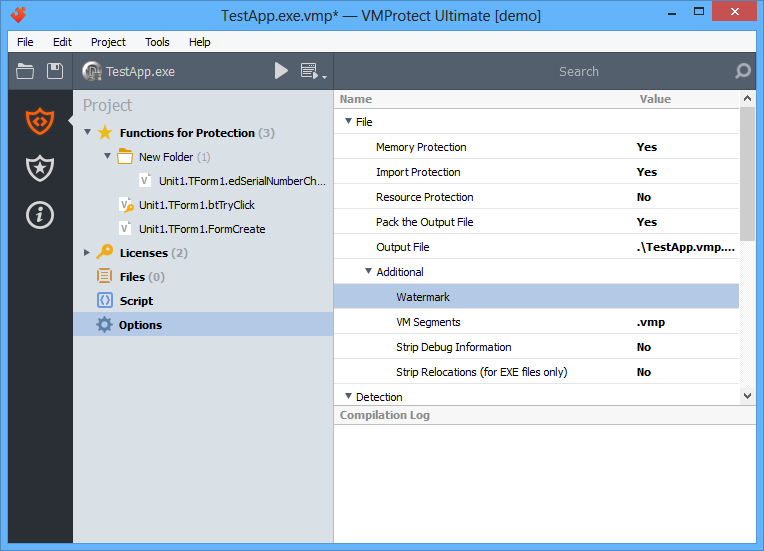
The “Options” section allows you to configure various protection parameters:
Virtual Machine
- Version — this option allows you to specify the virtual machine version (the default value is the current version). Selecting “Compact” uses the older virtual machine version, which has a smaller bytecode size.
- Instances — this option allows you to specify the number of virtual machine instances (default is 10). Each virtual machine has a unique set of properties (different register layouts, different bytecode directions, different command handlers, etc.), making analysis and reverse engineering more difficult.
- Complexity — this option defines the probability of generating complex handlers (composed of multiple simple handlers) inside the virtual machine. This also significantly increases the difficulty of analyzing and cracking virtualized code. As complexity increases, the size of the protected file also increases.
File
- Memory Protection — this option protects the in-memory image of the file from modifications (integrity is checked for all sections that do not have the WRITABLE attribute). Integrity verification is performed before control is passed to the program’s entry point. If integrity is violated, a corresponding message is displayed and the program stops execution.
- Import Protection — this option hides the list of APIs used by the protected program from reverse engineers. It is recommended to use this option together with packing of the output file.
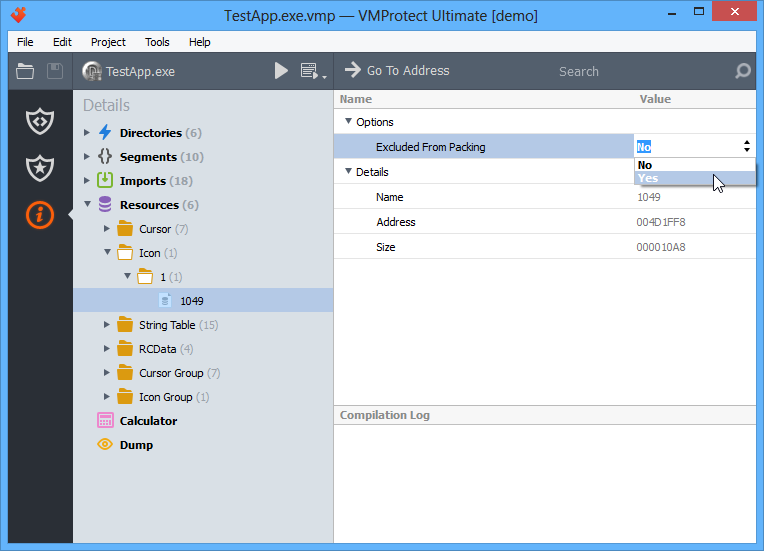
- Resource Protection — this option encrypts program resources (except icons, manifests, and other system resources).
- Pack the Output File — this option packs the protected file to reduce its size. The application is automatically unpacked when executed. Unpacking is performed entirely in memory without writing to disk. When using this option, it is also recommended to include the EntryPoint in the list of protected objects.
!Important
When the program starts, after the code is unpacked, control is passed to the EntryPoint. If the EntryPoint code is virtualized, it will be executed on the same VM interpreter as the unpacker code. Virtualizing the EntryPoint together with packing the protected file prevents manual unpacking, since an attacker would need to reconstruct the EntryPoint code to obtain a working image of the file.
Additional
- Segments — when the file is compiled, new segments are added to store system data (virtualized and mutated code, VM interpreters, watermarks, etc.). This option allows you to specify names for these new segments. It is recommended to change the default “.vmp” segment name to something else (for example, “.UPX”).
- Strip Debug Information — removing debug information makes code analysis more difficult. For .NET applications, this option also renames classes, methods, properties, and fields, except those excluded from renaming.
- Strip Relocations — some compilers (e.g. Delphi) generate a relocation table for EXE files that is not used by the operating system. If enabled, the space occupied by the relocation table is used for VM needs.
- Watermark — allows adding a watermark to the program.
- Lock To HWID — allows locking the program to a hardware identifier.
Detection
- Debugger — this option prevents debugging of the protected file. There are two types of debuggers: user-mode debuggers (OllyDBG, WinDBG, etc.) and kernel-mode debuggers (SoftICE, Syser, and others). Debugger detection is performed before control is passed to the program’s entry point. If a debugger is detected, a corresponding message is displayed and the program stops execution.
- Virtualization Tools — this option prevents execution of the protected file in virtual environments such as VMware, Virtual PC, VirtualBox, and Sandboxie. Detection is performed before control is passed to the entry point. If a virtual environment is detected, a corresponding message is displayed and the program stops execution.
Messages
Here you can customize the messages displayed when the program detects a debugger, a virtualization tool, file corruption, or an attempt to execute code protected by a serial number.
Licensing parameters
- File Name — select a project file created in the license manager as the licensing parameter file. By default, the current project file is used.
- Activation Server — this option is required for the activation system.